
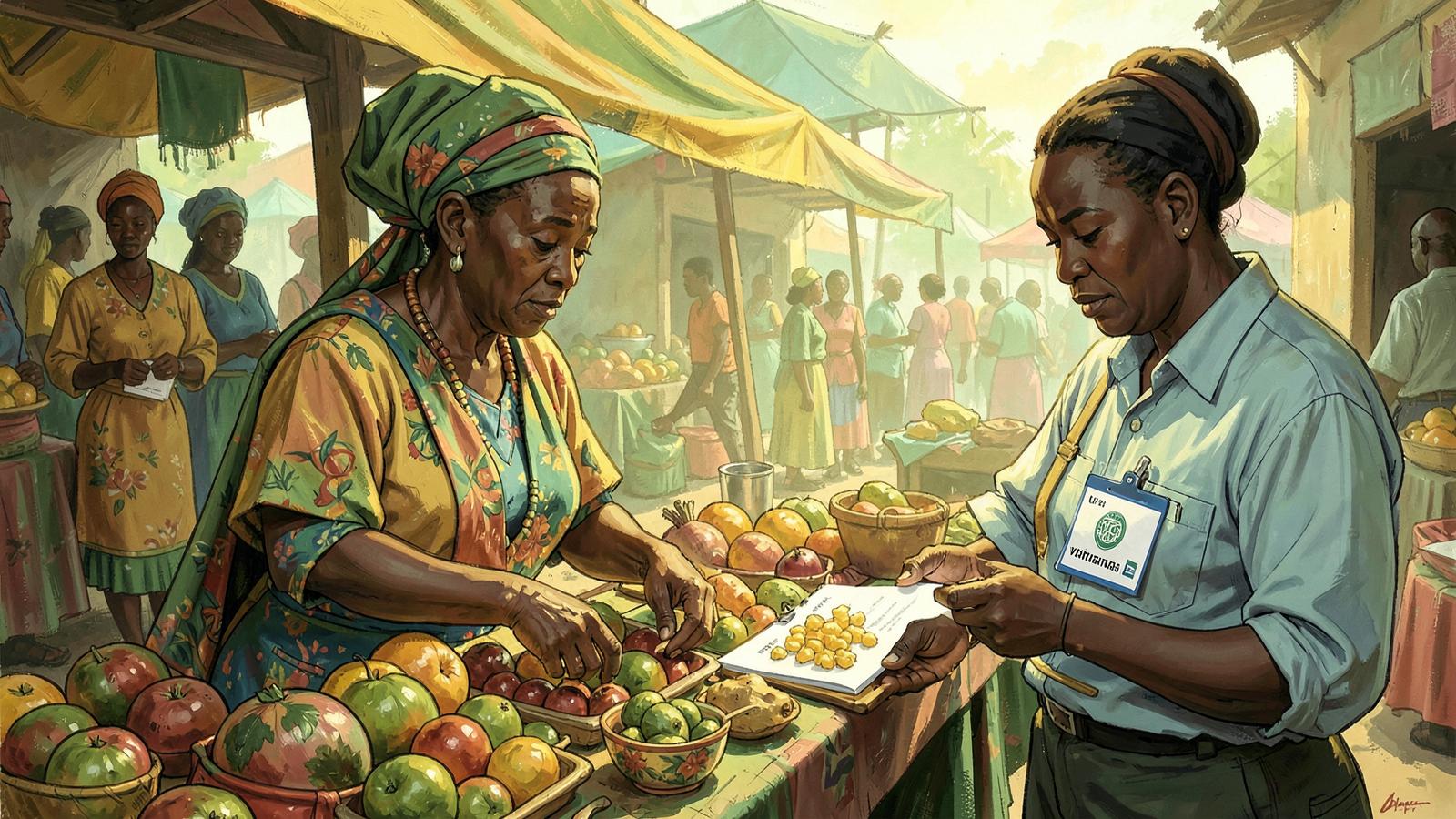
Shoppers in Bamenda increasingly look for a shop on a phone before walking to it. This platform is the official online home of Bamenda Main Market, and it exists so that a real trader — not a copycat page — is what people find. Here is how a trader goes from unlisted to visible.
Step 1: claim your shop or business
Start a claim with your shop name, the trade you are in, where you are located and how customers reach you. Traders inside the market and businesses elsewhere in Bamenda both use the same form.
Step 2: review by market leadership
A line master reviews the claim and the evidence attached to it, adds notes, and passes it on. The market master gives final approval. Nothing becomes publicly visible before that review, and a rejected or pending claim is never shown as verified. This is the same chain of responsibility that governs the market on the ground.
Step 3: what the verified badge means
Once approved, your listing carries the verified badge. It tells shoppers the market office knows your shop and its owner. It is deliberately narrow: it is not a rating, and it is not a guarantee of product quality. Keeping it honest is what makes it worth having.
Step 4: publish your goods, prices and stock
From your shop dashboard you control what the public sees. You can add goods with a unit and price, set stock quantities and low-stock alerts, hide an item when it finishes, show or hide prices, and update your shop details. Changes to your goods appear on your public shop page straight away; changes to your shop identity go through the office.
- List the goods you actually have — accurate stock is what brings buyers back.
- Show prices where you can. Listings with prices get far more enquiries.
- Use clear photos. Where there is no photo, a category icon is shown instead.
Step 5: receive and confirm orders
Shoppers can send an order to your shop from your listing. It lands in your inbox with a notification, and you confirm, prepare and mark it as handed over. Payment is arranged directly between you and the buyer — the platform does not hold money or take a cut of the sale.
Getting found
Write your shop description the way a customer searches: the goods you sell, the trade you are in, and your part of Bamenda. A stall described as "wholesale and retail foodstuff, Bamenda Main Market" is found far more often than one described only by a shop name.
Ready to start? Claim your listing or read the complete guide to Bamenda Main Market.